Live monitoring
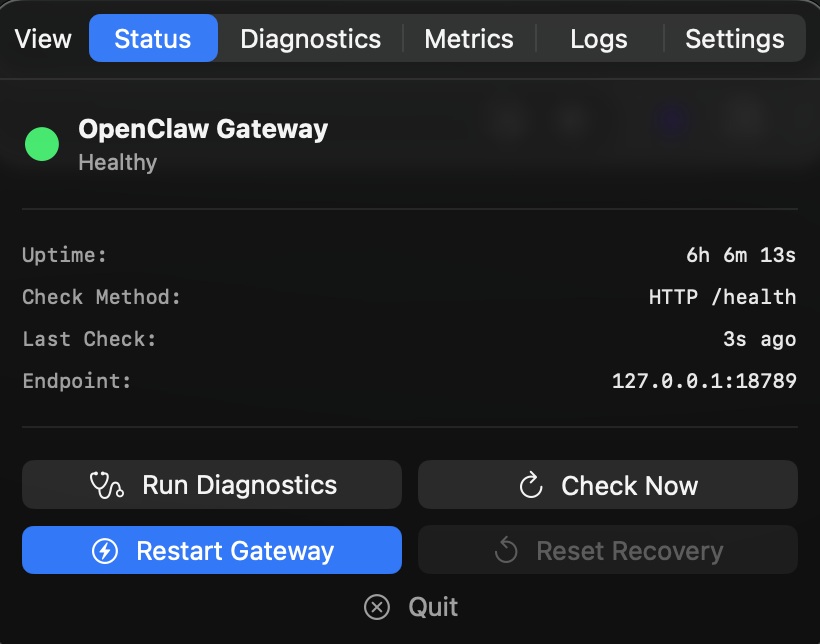
Status
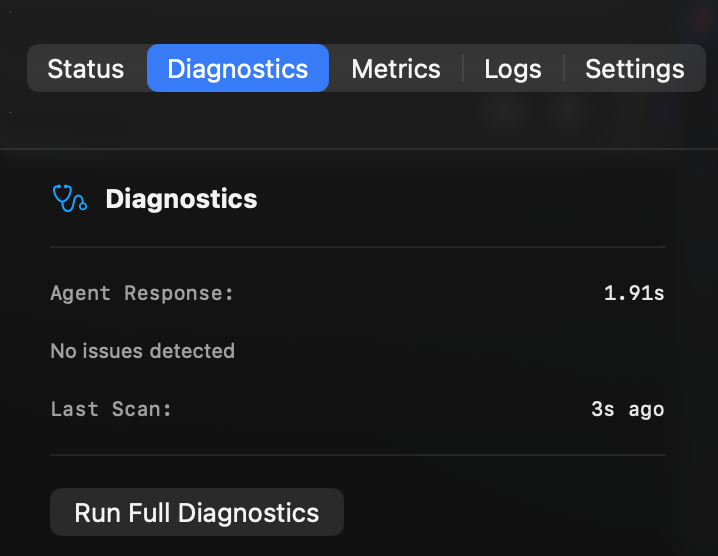
Diagnostics
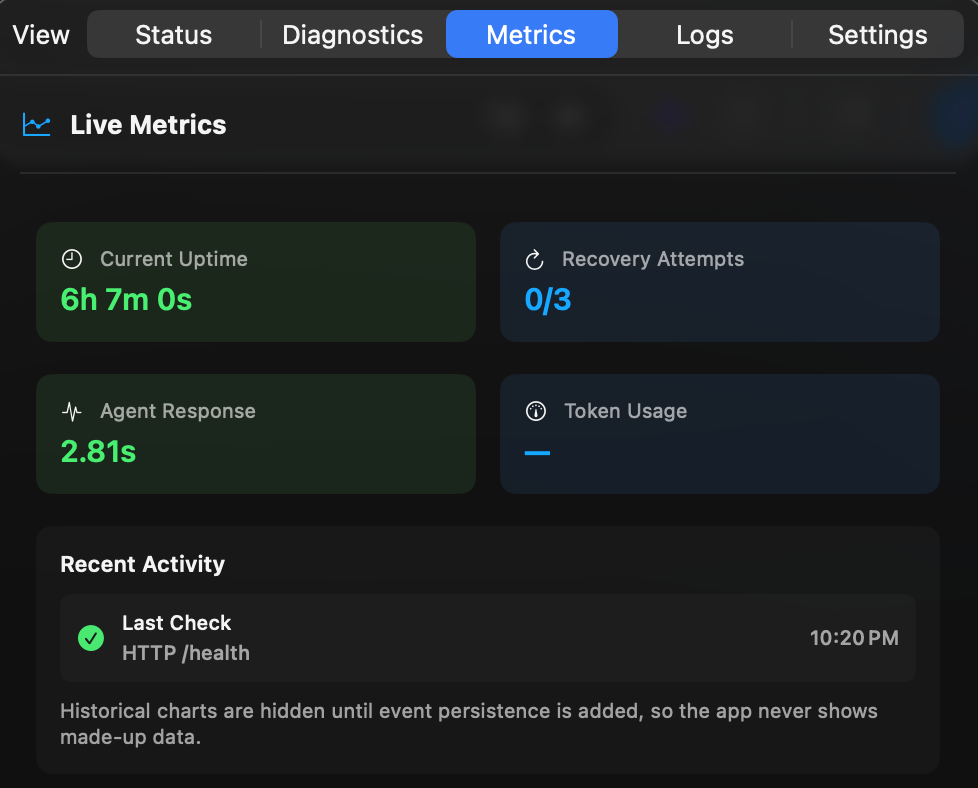
Metrics
Status, diagnostics, and live metrics — all in your menu bar.
Menu bar monitor for OpenClaw on macOS. Watches your gateway 24/7.
Green dot means running. Red means it's on it.
Native macOS app. No npm. No terminal. No browser dashboard. Just move it to Applications and you're done.
The problem
The gateway crashes. No warning. Your AI just stops responding mid-task.
It leaks memory. Sits at 69% CPU. Technically "running" — effectively frozen.
You find out when you message it and nothing comes back.
The alternatives are CLIs, browser dashboards, and npm packages. You just want it to work.
You shouldn't have to babysit your AI. That's what ClawSentinel is for.
What it does
Green dot means your gateway is healthy. Red means ClawSentinel is already on it.
When the gateway crashes, ClawSentinel detects it within seconds and restarts it — no manual intervention needed.
Catches CPU spikes, memory leaks, and zombie processes before they freeze your whole machine.
Know when your session is approaching its token ceiling — before your AI goes quiet mid-task.
Not a CLI. Not a browser tab. Not an npm package. A real Mac app — menu bar icon, native notifications, Sparkle auto-updates. No setup required.
Live monitoring
Status
Diagnostics
Metrics
Status, diagnostics, and live metrics — all in your menu bar.
How it works
Download the app, move it to Applications. It runs in your menu bar — no setup, no config files.
Searches common install paths. Connects instantly.
ClawSentinel watches the gateway 24/7. You'll know if anything goes wrong — and it'll already be fixing it.
Coverage
All covered.
Always up to date. ClawSentinel monitors OpenClaw's releases and documentation for new failure modes. When OpenClaw ships something new, ClawSentinel catches up fast.
Privacy
ClawSentinel monitors a local process on your machine. That's it. It has no idea what you're asking your AI, what projects you're working on, or what your gateway is doing. It only knows: running or not running.
ClawSentinel talks to localhost only. No telemetry. No crash reports. No callbacks. No exceptions.
Download it. Open it. It works. We don't know you exist and we like it that way.
No recurring billing. No pricing tier lock-in. No reason to ever charge your card again.
Direct download for macOS. Requires OpenClaw. Not on the App Store.
↓ Download ClawSentinel-1.4.2.dmg